 Available now
Paintopia: Color by Number
Your daily moment of calm, one pixel at a time.
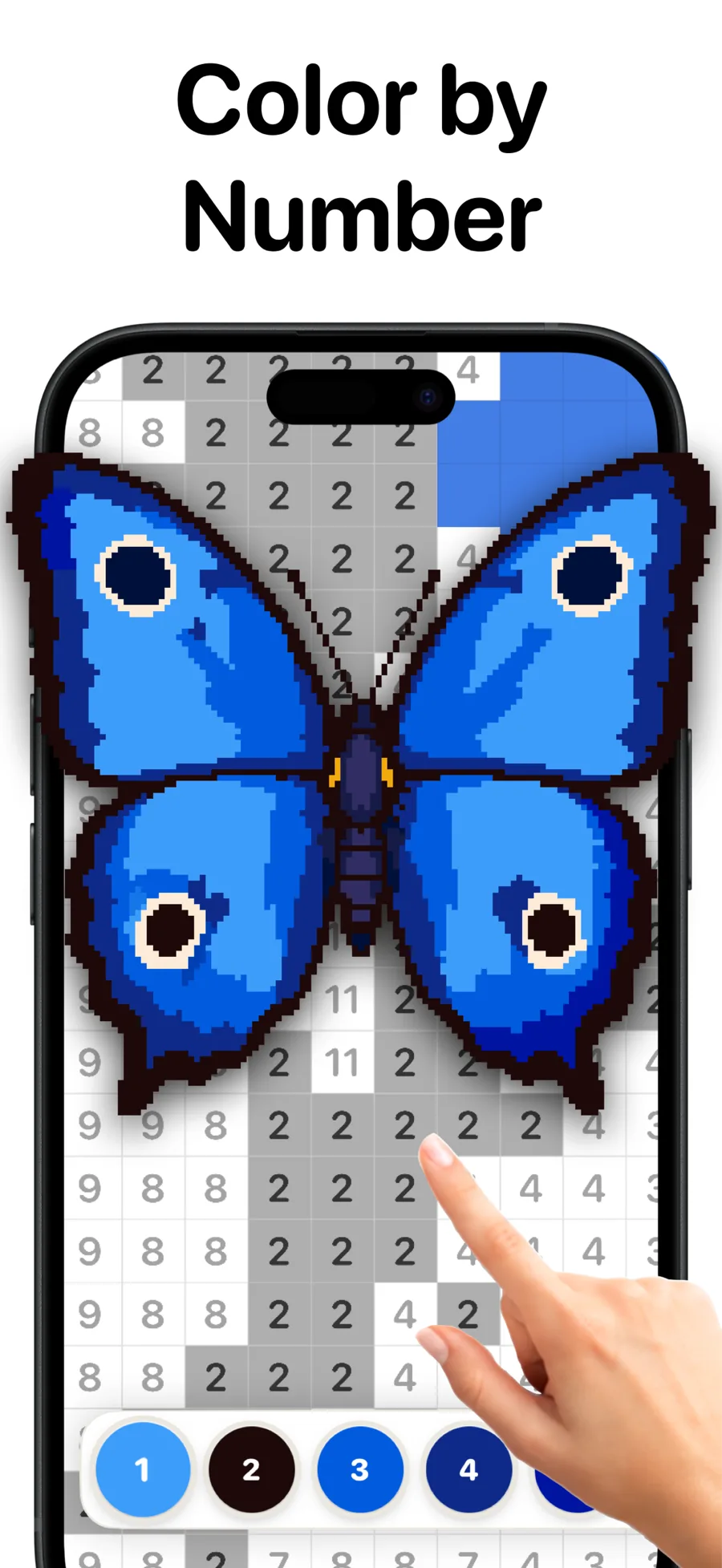
Paintopia is a free color-by-number pixel art game for iPhone and iPad. Tap numbered cells to fill them with color and watch a picture come to life — with no timers, no pressure and no clutter.
Available now on the App Store

- App Store rating
- 4.8(96)
- Version
- 2.4.0
- Updated
01Screenshots
Paintopia in pictures
02About the game
About Paintopia
Paintopia is your daily moment of calm: a beautifully crafted color by number where numbered pixels melt into stunning pixel art, one relaxing tap at a time. No timers, no pressure, no clutter. Just you, the colors, and that quietly satisfying feeling of watching a picture come to life under your finger.
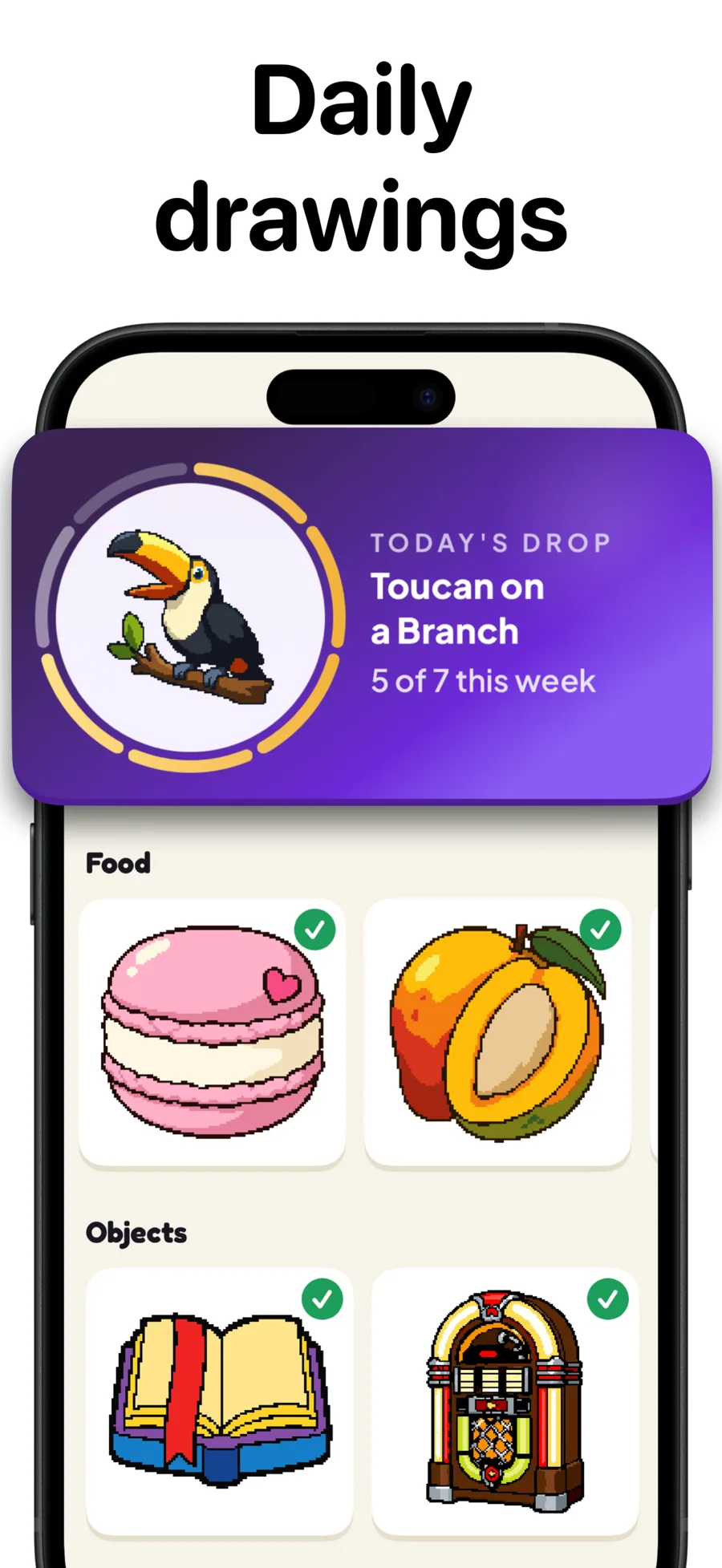
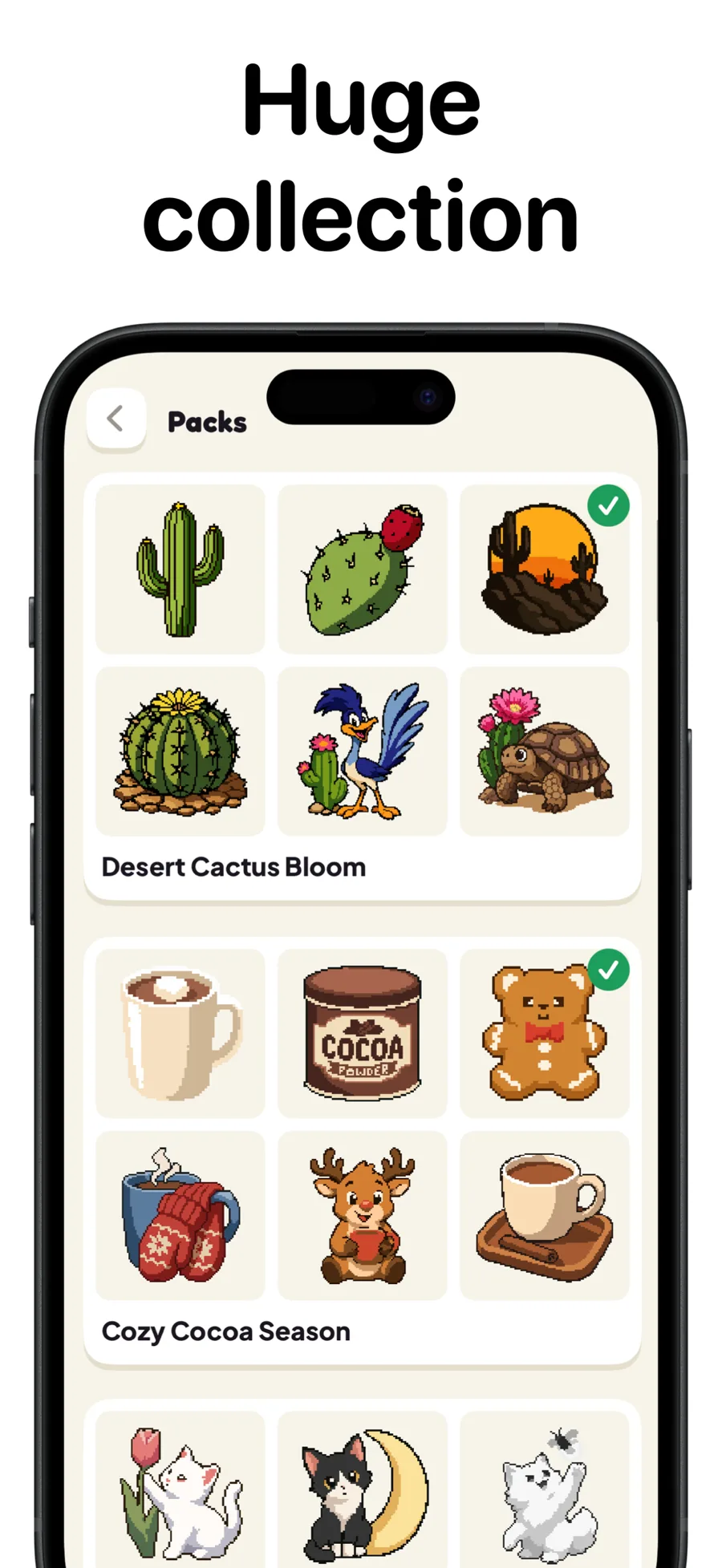
A new Daily Drawing arrives every day, the gallery of hand-picked pixel art keeps growing every week, and every finished drawing becomes a timelapse you can share. Two spare minutes or a whole quiet evening — Paintopia meets you at your pace.
03What's inside
Features
Easy color by number
Tap a numbered cell and watch it fill. Relaxing from the very first pixel, with smooth, precise zoom so you never fight tiny pixels.
A gallery that keeps growing
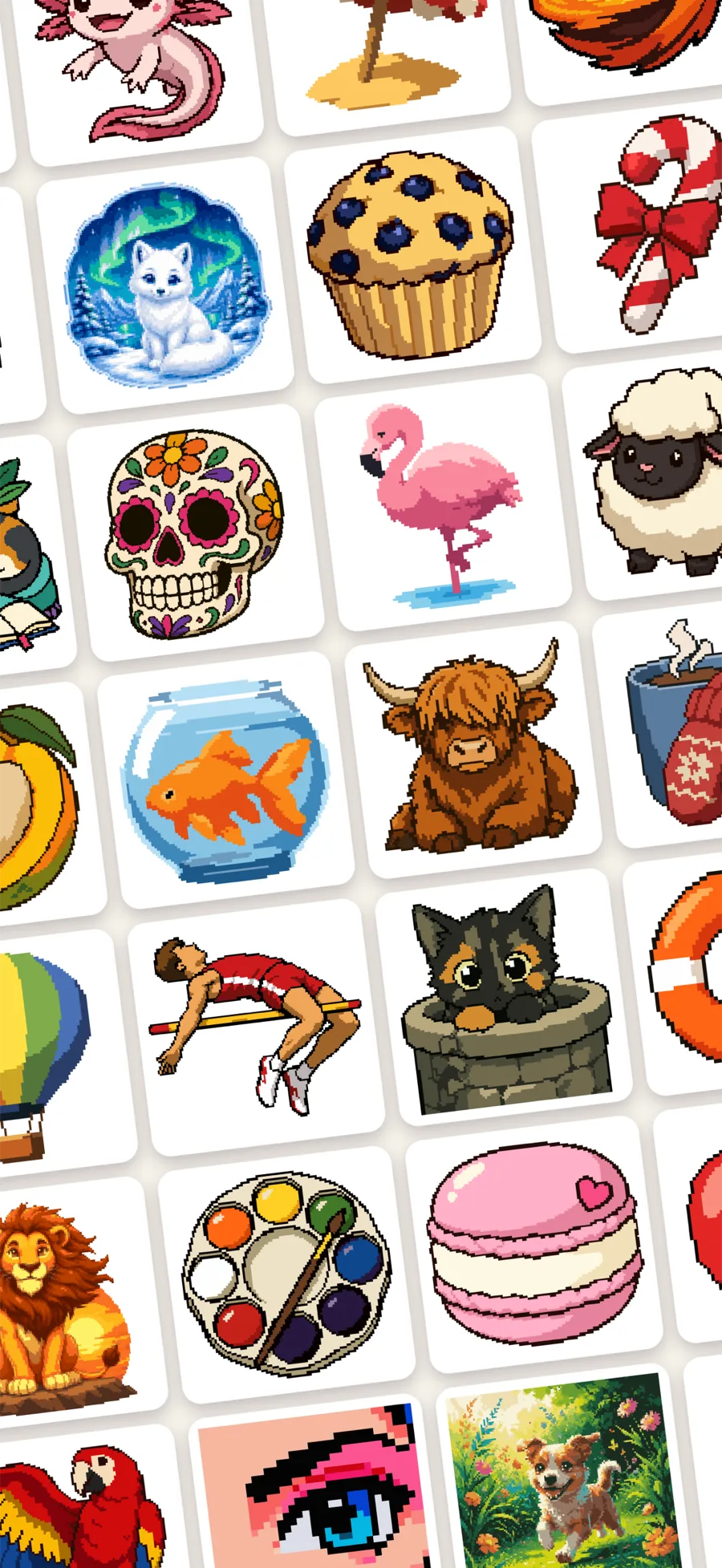
Hand-picked pixel art, from two-minute minis to detailed masterpieces, with fresh drawings and packs every week.
The Daily Drawing
One special new drawing every day, picked to surprise you. Paint daily to build your streak, with a gentle optional reminder.
Paint your photos
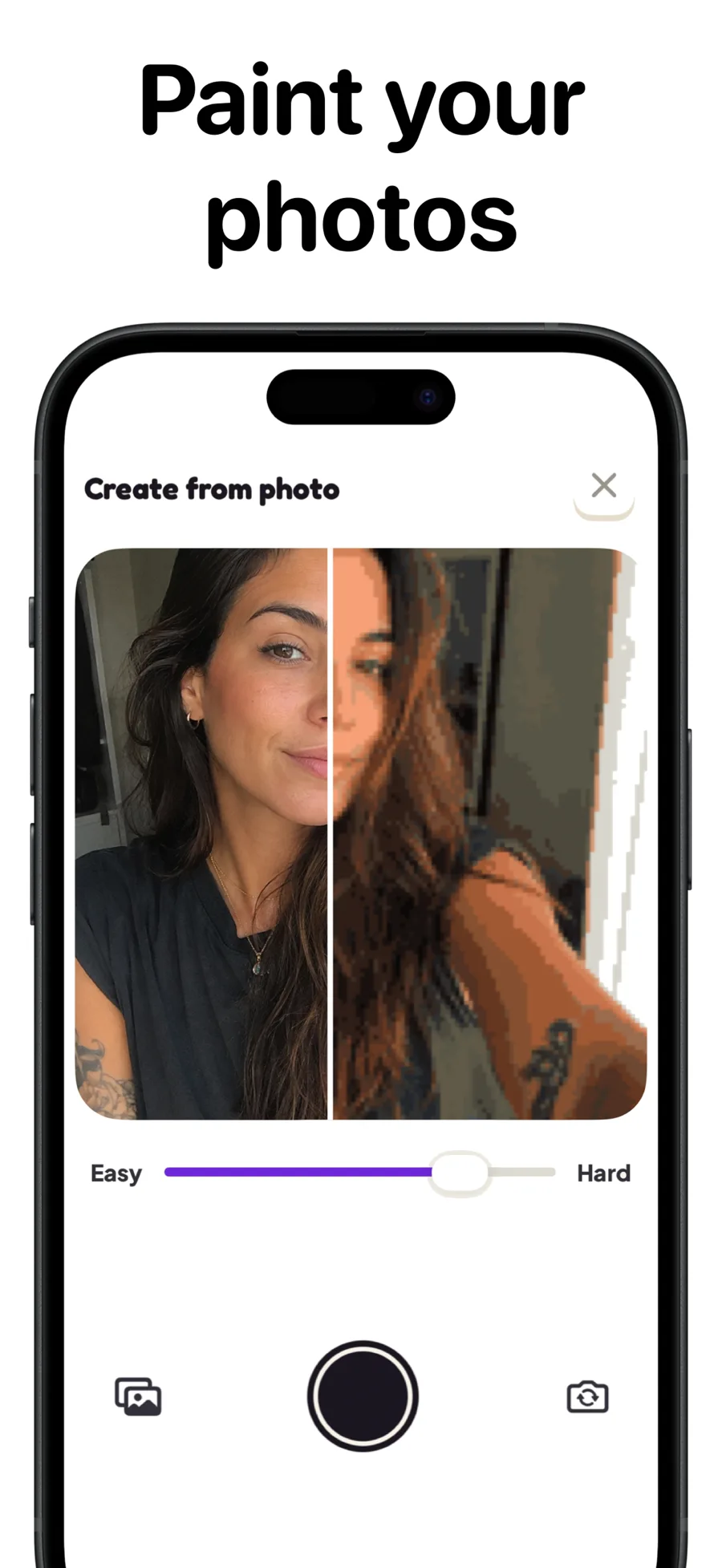
Turn your own photos into color-by-number drawings and choose how detailed you want them to be.
Timelapse replays
Every finished drawing becomes a little movie of its own creation, ready to save and share.
Your art, backed up
My Art collects everything you finish, down to the total pixels painted, and iCloud backup keeps your progress safe.
04Details
At a glance
- Price
- Free
- Subscription
- Paintopia Plus · Weekly, Monthly, Yearly (free trial)
- Platforms
- iPhone, iPad
- Requires
- iOS 26.0 or iPadOS 26.0 and later
- Languages
- 23 · English, Arabic, Danish, Dutch, Finnish, French, German, Hindi, Indonesian, Italian, Japanese, Korean, Norwegian Bokmål, Polish, Portuguese, Russian, Simplified Chinese, Spanish, Swedish, Thai, Traditional Chinese, Turkish, Vietnamese
- Age rating
- 12+
- Released
- Feb 13, 2026
- Developer
- Rouveo
05FAQ
Frequently asked questions
Is Paintopia free?
Yes. Paintopia is free to download and play on iPhone and iPad, with many free drawings and a new Daily Drawing every day. Paintopia Plus is an optional subscription that unlocks every pack and drawing and removes all ads.
What is Paintopia Plus and how much does it cost?
Paintopia Plus unlocks every pack and drawing, removes ads and lets you paint yesterday's daily. It is offered as a weekly, monthly or yearly plan, with a free trial on the yearly plan. Prices are shown in the App Store in your local currency, and the subscription is billed and managed by Apple.
Which devices does Paintopia support?
Paintopia runs on iPhone and iPad with iOS 26 or iPadOS 26 and later. It is not currently available on Android.
Can I turn my own photos into pixel art?
Yes. Create from photo turns any picture from your camera or photo library into a color-by-number drawing, with an easy-to-hard slider that controls how detailed it is.
Does Paintopia work offline?
Yes. Drawings you have opened are stored on your device, so you can keep painting without a connection. Your gallery is backed up to iCloud whenever you are online.
How do I restore purchases or cancel Paintopia Plus?
In the app, open Settings and tap Restore Purchases while signed in with the same Apple Account. To cancel, open Settings on your device, tap your name, then Subscriptions. Your access continues until the end of the paid period.
06More from Rouveo